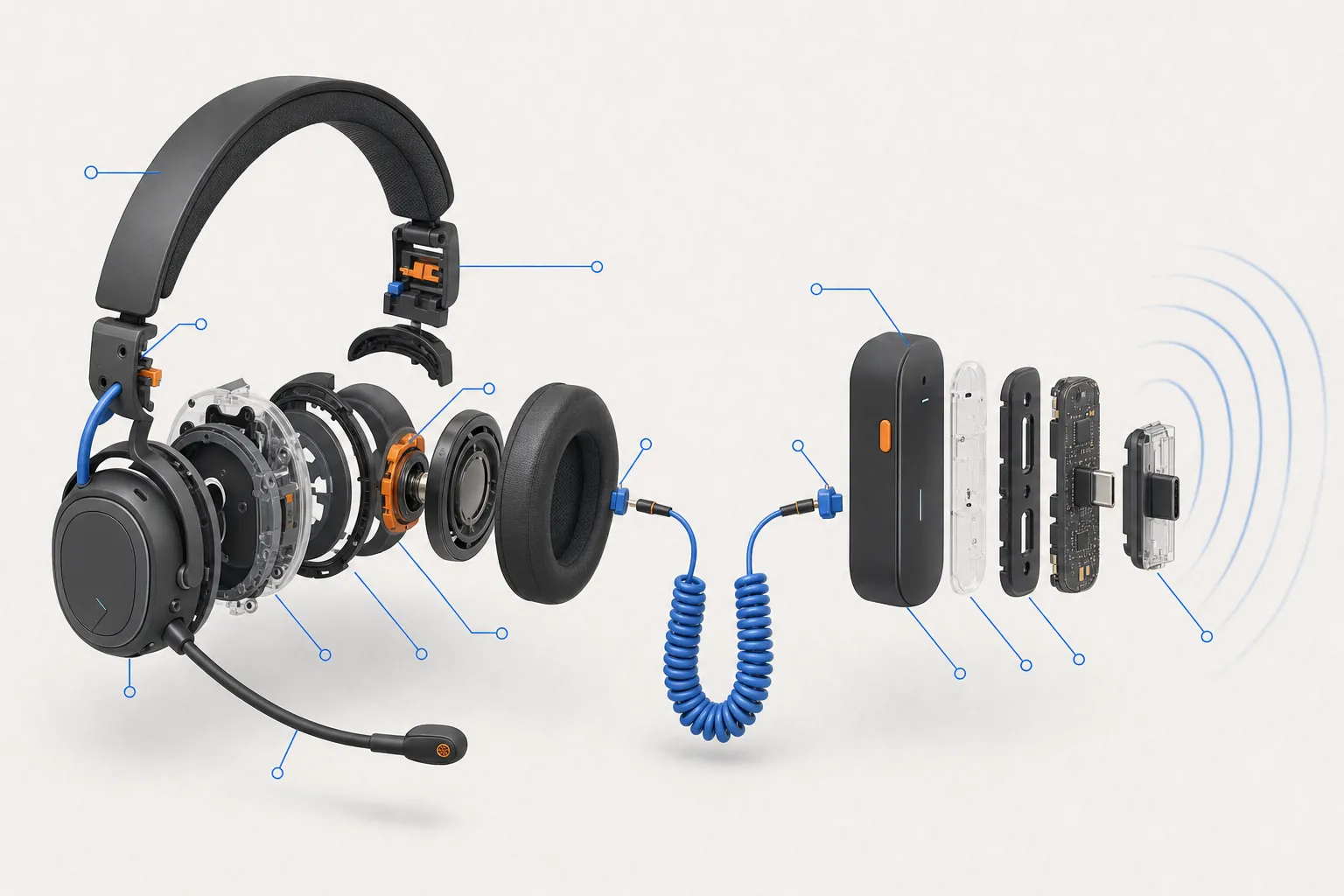
Jargon buster
- 2.4 GHz dongle
- A small USB receiver that gives a wireless device its own dedicated radio link.
- Bluetooth
- A general wireless standard built into many devices; consoles decide which Bluetooth kit they accept.
- Pairing
- The one-off step that links a wireless device to a particular console or PC.
- Polling rate
- How often an input device reports to the computer each second; 1,000 Hz is common for wired kit.
- Latency
- The delay between your action and the result on screen.
- 3.5 mm jack
- The standard round headphone plug; consoles use the four-pole CTIA type.
- CTIA / OMTP
- Two wiring standards for four-pole 3.5 mm plugs; Xbox says OMTP headsets may have chat problems.
- Xbox Wireless
- Microsoft's own wireless protocol used by Xbox controllers and headsets.
Three ways gaming kit connects: cable, 2.4 GHz dongle and Bluetooth
Keyboards, mice and headsets reach your PC or console in one of three ways.
- Wired (USB or 3.5 mm): the cable carries both data and power. No charging, no pairing, and nothing to lose. Every keyboard in our budget keyboard comparison is wired.
- 2.4 GHz wireless with a USB dongle: a small receiver plugs into the PC or console and talks to the device on a dedicated radio link. Brands give these their own names (Logitech's LIGHTSPEED, for example), and they are the usual choice for wireless gaming mice and keyboards.
- Bluetooth: a general standard built into phones, laptops and many consoles. It is convenient because no dongle is needed, but what a console accepts over Bluetooth is decided by the console maker.
Some products support more than one method, for example a dongle for gaming and Bluetooth for a phone or tablet.
Delay and dropouts: how the connection affects responsiveness
A cable is the simplest path, with no radio link involved. Gaming-focused 2.4 GHz dongles are designed for low delay, and manufacturers market them as suitable for fast games. Bluetooth is a general-purpose standard built for compatibility and battery life. Where a product offers both, its maker generally presents the dongle as the gaming mode and Bluetooth as the convenience mode.
Specific delay figures are rarely published in a comparable way, so treat claims such as “lag-free” as marketing language rather than measurements. For most players, the practical differences are:
- Dropouts: radio links can be disrupted by distance, walls, other 2.4 GHz devices and a crowded Wi-Fi environment. A cable cannot be.
- Polling rate: wired keyboards commonly report at 1,000 Hz. Some wireless products report at lower rates, especially over Bluetooth. Check the spec sheet for both modes.
- Sleep modes: wireless devices may go to sleep to save power and need a key press to wake up.
Batteries, charging and what happens when they run out
Every wireless device needs power. Some use replaceable AA or AAA batteries, others a built-in rechargeable battery charged over USB. Things to check on a spec sheet:
- Battery life: manufacturers quote hours, often with lighting turned off or at reduced brightness. RGB lighting can cut battery life sharply.
- Play while charging: many devices work as wired devices while charging, but not all do.
- Charging connector: USB-C is now common, so one cable can charge several devices.
- Long-term wear: built-in rechargeable batteries lose capacity over the years and are often not user-replaceable.
Wireless headsets on PS5, Xbox Series and Switch 2
Headsets are where console rules matter most, because each platform handles wireless audio differently.
- PS5: Sony's error-code page CE-109531-9 says standard Bluetooth audio devices are not compatible with PS5 and points to its own PULSE Explore earbuds and PULSE Elite headset. Other headsets connect by USB, often through a wireless dongle, or by cable to the controller's audio jack.
- Xbox Series X|S: Xbox support says the Xbox Wireless Headset connects directly to the console using Xbox Wireless, and that wired headsets plug into the 3.5 mm jack on the Xbox Wireless Controller. It also explains that 3.5 mm plugs come in two standards, CTIA and OMTP, and that OMTP headsets may have audio or chat problems.
- Switch 2: Nintendo's support pages say Bluetooth audio is supported, with limits: one Bluetooth audio device connected at a time, no Bluetooth microphones, up to two wireless controllers while it is in use, and a disconnection during local wireless play. The console also has a 3.5 mm CTIA headphone jack.
A headset sold as “multi-platform” usually means it works through a 3.5 mm cable on every console, with wireless features limited to some of them. Read the platform list on the box carefully.
Wireless keyboards and mice on consoles
Keyboards and mice follow different rules again.
- PS5: Sony's support page says USB and Bluetooth keyboards and mice can be connected, with Bluetooth pairing under Settings > Accessories > General > Bluetooth Accessories. It also notes that not all devices work with the console.
- Xbox Series X|S: Xbox support describes wired USB mice and keyboards, with mouse support only in games and apps whose publishers have enabled it.
- Switch 2: Nintendo's settings guide includes a language setting for a USB keyboard, and the Joy-Con 2 controllers have their own mouse sensor.
Whatever the connection, the game decides whether keyboard and mouse controls work during play. The full picture is in our console compatibility guide.
Range, interference and busy family homes
Wireless kit shares the airwaves with routers, phones, smart speakers and other people's controllers. In a busy house, that can mean occasional stutter or dropouts. Simple fixes, where the manufacturer allows them:
- Plug the dongle into a USB extension cable or a front port so it sits closer to the device and in clear line of sight.
- Keep the dongle away from a USB 3 port being used by a hard drive, and away from the Wi-Fi router.
- Pair each device to one machine at a time where possible.
A wired connection avoids all of this, which is why some players use wireless for convenience and keep a cable to hand for competitive play.
The price gap between wired and wireless versions
The same design usually costs more without a cable. On Logitech's UK store on 3 November 2026, the wired G515 TKL keyboard was £84.99 and the G515 LIGHTSPEED TKL wireless version was £109.99, a difference of £25. Across the budget keyboards we compared, the wired models ranged from £39.99 to £100.
On a tight budget, wired kit usually gets you more for the money: better switches or a larger screen rather than a battery and a radio. Wireless makes most sense when there is a clear practical reason:
- playing from a sofa or bed away from the PC or console;
- keeping a shared desk tidy;
- a headset you move around while playing;
- carrying a keyboard or mouse between rooms.
Questions
Can I use my Bluetooth earbuds with a PS5?
Sony's support page for error code CE-109531-9 says standard Bluetooth audio devices are not compatible with PS5. Use a wired headset in the controller, a USB dongle headset, or one of Sony's own PULSE models.
Do Bluetooth headphones work on Switch 2?
Nintendo says yes, one device at a time, without Bluetooth microphone support. Bluetooth audio disconnects during local wireless play, and only two wireless controllers can be connected while it is in use.
Is wireless too slow for gaming?
Gaming-focused 2.4 GHz dongles are designed for fast games. Bluetooth is aimed more at compatibility and battery life. A cable is the simplest way to avoid dropouts.
Why does my wired headset have no microphone on Xbox?
Xbox support says 3.5 mm plugs come in CTIA and OMTP types, and OMTP headsets may have chat issues. An adapter that converts OMTP to CTIA can fix it.
- https://www.playstation.com/en-gb/support/error-codes/ps5/ce-109531-9/
- https://www.playstation.com/en-gb/support/hardware/keyboard-mouse-ps5/
- https://support.xbox.com/en-GB/help/hardware-network/accessories/connect-compatible-headset
- https://support.xbox.com/en-GB/help/hardware-network/accessories/mouse-keyboard
- https://www.nintendo.com/au/support/articles/how-to-pair-and-manage-bluetooth-audio-devices-on-nintendo-switch-2/
- https://www.nintendo.com/au/support/articles/nintendo-switch-2-system-settings-overview/
- https://www.nintendo.com/en-gb/Hardware/Nintendo-Switch-2/Nintendo-Switch-2-Specifications-2785627.html
- https://www.logitechg.com/en-gb/shop/p/g515-tkl-gaming-keyboard.920-012889
- https://www.logitechg.com/en-gb/shop/p/g515-tkl-wireless-keyboard.920-012555
Spec changed? Tell us.